Introduction: Why You Must Verify a Website Before Trusting It
Every day, thousands of new websites go live on the internet. Some are legitimate businesses, while many others are created solely to scam users. Fake online stores, phishing websites, and fraudulent platforms are becoming more sophisticated, making it harder for users to tell the difference between a real website and a scam.
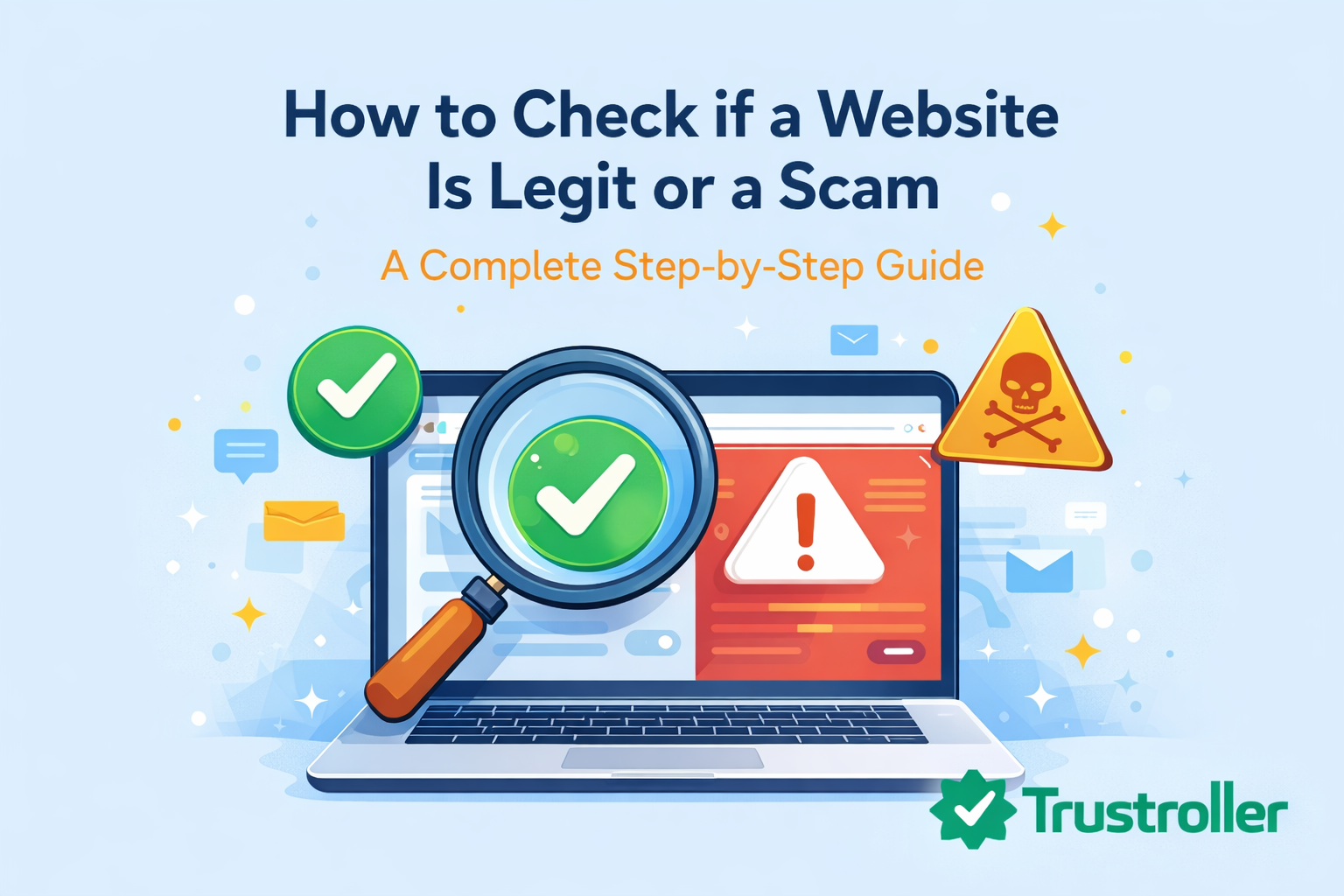
If you’ve ever asked yourself, “Is this website legit or a scam?”, this guide is for you. In this step-by-step article, you’ll learn practical and reliable methods to verify any website before sharing personal information or making payments.
This guide is designed to help beginners and experienced users alike stay safe online.
What Does “Legit Website” Really Mean?
A legit website is a real, trustworthy online platform operated by a genuine company or individual. Legitimate websites:
-
Clearly identify their owners
-
Provide secure payment options
-
Have transparent policies
-
Deliver real products or services
On the other hand, scam websites exist to deceive users for financial gain or data theft.
👉 Internal link:
If you’re new to online scams, start with our Scam Awareness guides to understand common fraud techniques.
Step 1: Check the Website URL Carefully
Always start by examining the website’s URL. Scam websites often use:
-
Misspelled domain names
-
Extra characters or hyphens
-
Fake subdomains pretending to be popular brands
For example, amaz0n-support.com is not the same as amazon.com.
Tip: Bookmark trusted websites and avoid clicking random links from emails or social media.
Step 2: Look for HTTPS and Security Indicators
Legitimate websites usually use HTTPS encryption. While HTTPS alone does not guarantee legitimacy, lack of HTTPS is a major red flag.
Check for:
-
Padlock icon in the address bar
-
Secure connection warning messages
Never enter passwords or payment details on unsecured websites.
Step 3: Research the Company Behind the Website
A legit website is transparent about who runs it. Check:
-
“About Us” page
-
Business name and registration
-
Physical address and contact number
If the website hides its identity or provides vague information, be cautious.
👉 Internal link:
Learn more in Consumer Protection about your rights when dealing with online businesses.
Step 4: Check Domain Age and Ownership
Many scam websites are newly created and shut down quickly. You can use domain lookup tools to check:
-
Domain creation date
-
Owner information
A website registered just days or weeks ago deserves extra scrutiny.
External resource:
-
WHOIS domain lookup tools (for domain age checks)
Step 5: Search for Independent Reviews
Never rely only on testimonials shown on the website itself. Instead:
-
Search the website name + “review”
-
Look for feedback on multiple platforms
-
Read both positive and negative reviews
If you find no reviews at all, or only overly positive ones, proceed with caution.
👉 Internal link:
See Review Tips & Guides to learn how to identify fake reviews.
Step 6: Analyze the Website Content Quality
Scam websites often have:
-
Poor grammar and spelling
-
Generic or copied content
-
Inconsistent branding
Professional businesses invest time in quality content and design.
Step 7: Review Payment Methods Carefully
Legit websites usually offer secure payment options like:
-
Credit/debit cards
-
Trusted payment gateways
Scam websites often demand:
-
Wire transfers
-
Gift cards
-
Cryptocurrency only
Always choose payment methods with buyer protection.
Step 8: Check Social Media Presence
A real business usually maintains active social media accounts. Look for:
-
Consistent posting history
-
Real comments and engagement
-
Verified profiles
Fake websites may link to empty or recently created social media pages.
👉 Internal link:
Read Social Media Scams to understand how scammers use fake profiles.
Step 9: Look for Clear Policies and Legal Pages
Legitimate websites clearly display:
-
Privacy Policy
-
Terms & Conditions
-
Refund and return policies
If these pages are missing, copied, or poorly written, it’s a red flag.
Step 10: Trust Your Instincts and Avoid Pressure
Scam websites often use urgency tactics like:
-
“Limited time offer”
-
“Act now or lose access”
Legitimate businesses do not pressure users aggressively.
What To Do If You Suspect a Website Is a Scam
If you believe a website is fraudulent:
-
Do not share personal information
-
Avoid making payments
-
Report the website to relevant authorities
-
Warn others
👉 Internal link:
Visit Scam News & Alerts to stay updated on reported scam websites.
Best Practices to Stay Safe Online
-
Always research before trusting a website
-
Use strong and unique passwords
-
Enable two-factor authentication
-
Keep your browser and devices updated
👉 Internal link:
Read Online Safety & Security for advanced protection strategies.
Frequently Asked Questions (FAQ)
How can I quickly check if a website is legit?
Check the URL, reviews, domain age, and payment methods before trusting it.
Are new websites always scams?
No, but new websites require extra verification.
Can scam websites look professional?
Yes. Many scam websites are designed to appear legitimate.
What should I do if I already paid a scam website?
Contact your bank immediately and report the scam.
Final Thoughts
Learning how to check if a website is legit or a scam is an essential skill in today’s digital world. By following the steps outlined in this guide, you can significantly reduce the risk of falling victim to online fraud.
Comments (0)